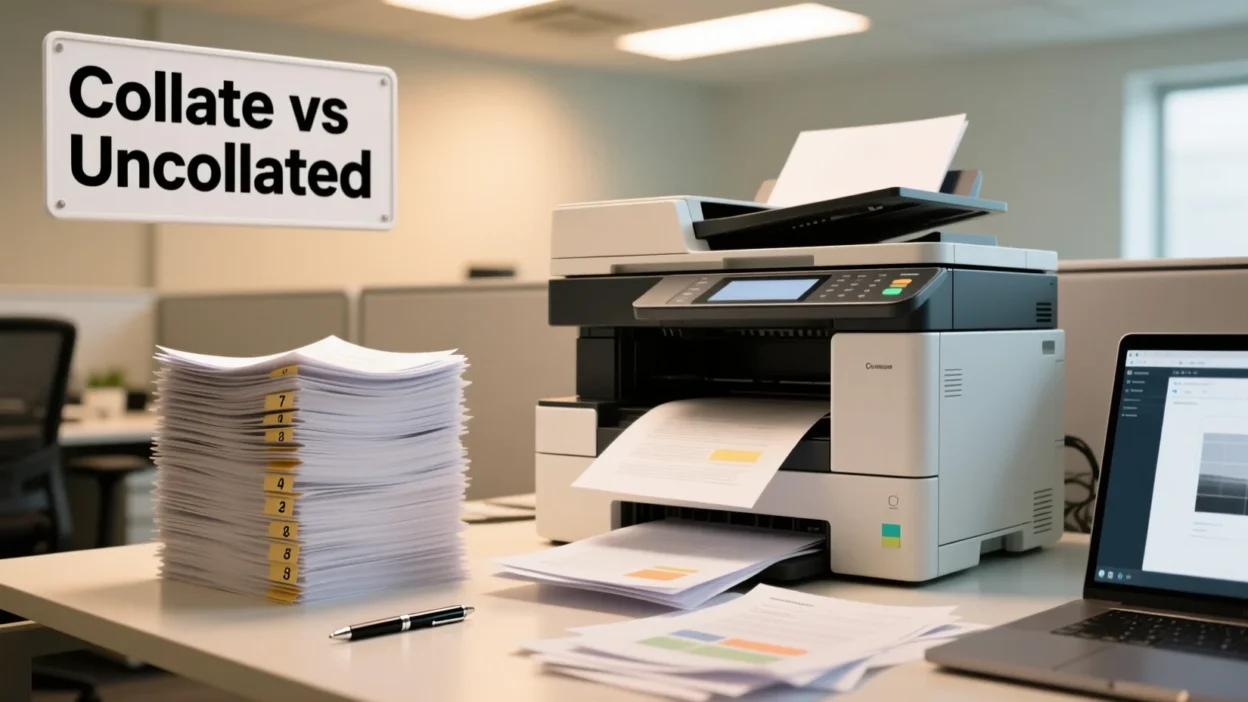
If you’ve ever hit the print button and stared at the word “collate” on your printer or PDF menu, you’re not alone. You might wonder: Do I need it? What’s the difference between collated and uncollated?
In this guide, we’ll explain collate meaning in printing, show collated vs uncollated examples, walk you through how to print collated in Word, Google Docs, and PDF, and answer all related questions so your printing comes out perfect every time.
Quick Answer:
Collate means to print pages in order, producing complete, organized sets.
What Does “Collate” Mean When Printing? 🧠
Collate definition (printer version):
When printing multi-page documents, collate ensures each copy is printed in sequential order, so every set is complete and organized.
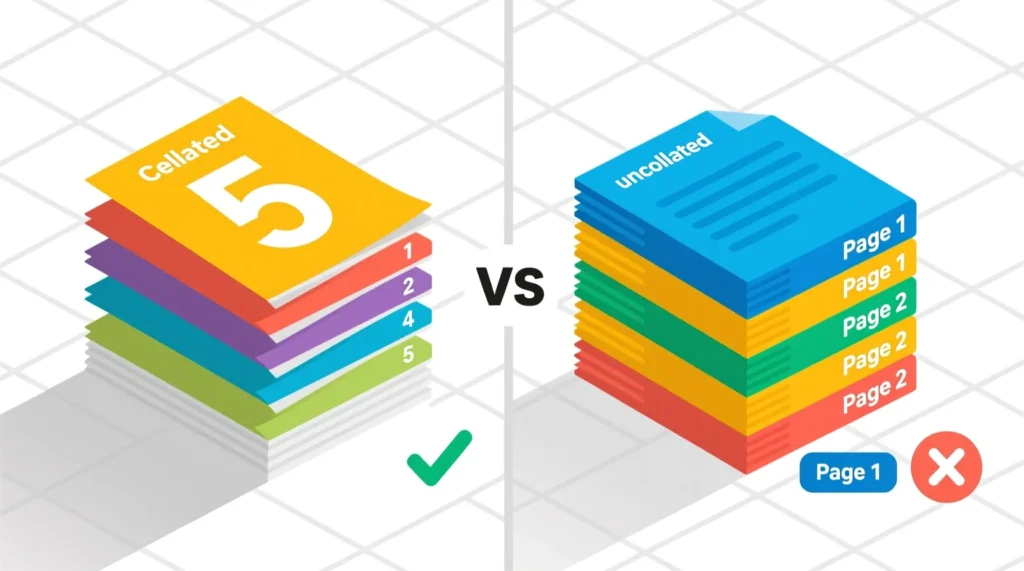
Example:
Printing a 5-page document 3 times:
| Setting | Output |
| Collated | Set 1: 1–5, Set 2: 1–5, Set 3: 1–5 |
| Uncollated | 1,1,1 → 2,2,2 → 3,3,3 → 4,4,4 → 5,5,5 |
In short:
Collate = Print pages in sequence = Complete, ready-to-use sets.
Collated vs Uncollated Printing: Key Difference
| Feature | Collated | Uncollated |
| Page Order | Each set in correct sequence | Pages grouped by number |
| Best For | Booklets, reports, handouts | Single-page multiples |
| Printer Settings | Collate: On | Collate: Off |
| Time | Slightly slower | Faster for one-page copies |
Where Is Collate Printing Commonly Used? 📱
Collate printing is widely used in:
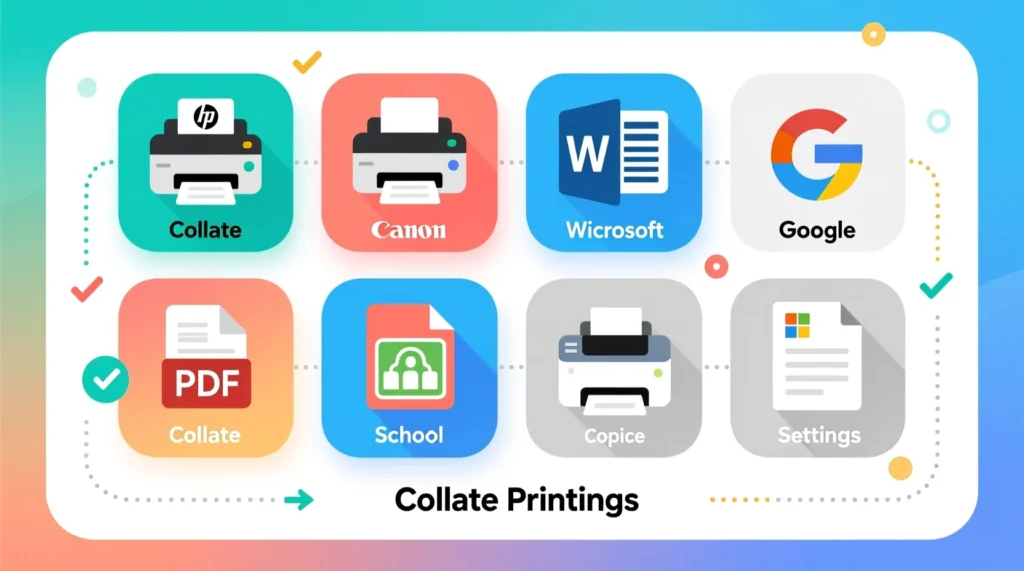
- 🖨️ Printer menus – HP, Canon, Epson, Brother
- 💻 Word processors – Word, Google Docs
- 📄 PDF printing – Adobe Acrobat, browser print menus
- 🏫 School copiers – multi-page packets
- 🏢 Office documents – booklets, reports, forms
Tone: Collate is formal and technical, ideal for printing documents efficiently. It’s not casual slang.
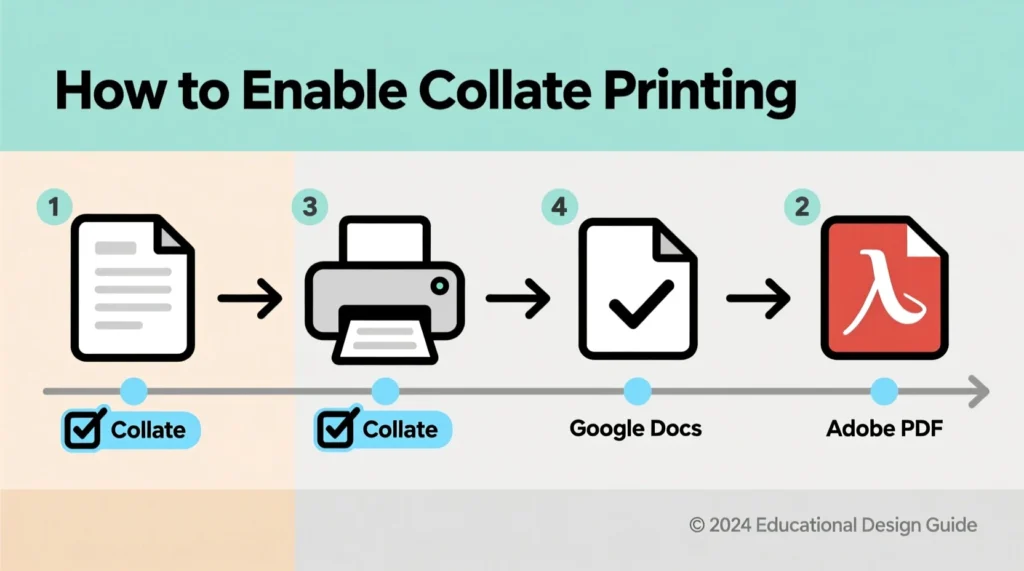
How to Print Collated: Step-by-Step Guide 📝
1. In Microsoft Word
- Open your document → File → Print
- Under Settings, select Collated
- Set number of copies → Print
2. In Google Docs
- File → Print
- Click More settings → Collate checkbox
- Set copies → Print
3. In PDF (Adobe Acrobat)
- File → Print → Copies
- Check Collate
- Print your multi-page document
Tip: Collated printing takes slightly longer, but saves time sorting pages manually.
Examples of Collate in Real-Life Printing 💬
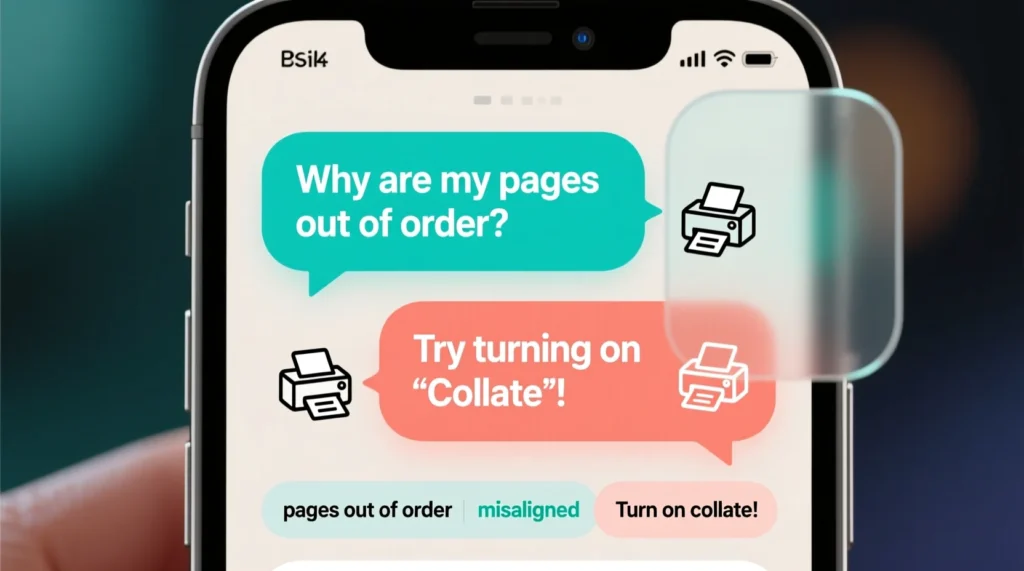
1 Example
A: “Why are all my page 1s printing first?”
B: “You printed uncollated. Turn on collate.”
2 Example
A: “Need 10 brochures for the event.”
B: “Use collated printing, each brochure will be complete.”
3 Example
A: “How do I collate in Google Docs?”
B: “Check the collate option in More Settings.”
4 Example
A: “These packets are a mess 😩”
B: “Collated printing fixes that.”
5 Example
A: “Printing 25 copies of a report.”
B: “Collate on — saves time sorting.”
When to Use and When Not to Use Collate 🕓
✅ When to Use Collated Printing
- Multi-page reports, booklets, or handouts
- School or office packets for distribution
- Forms and multi-page assignments
- Double-sided (duplex) printing to maintain order
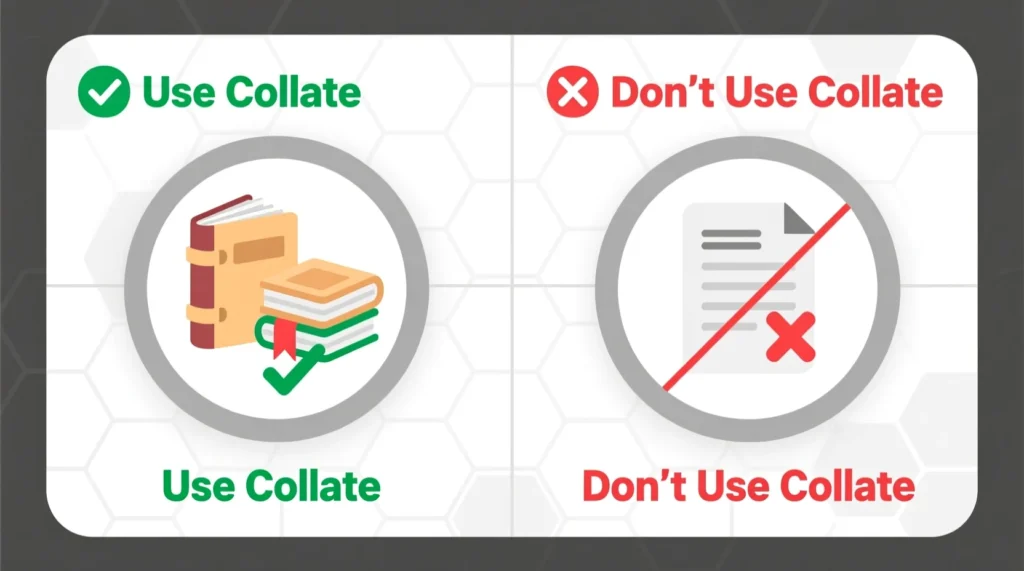
❌ When Not to Use Collated Printing
- Single-page documents
- Only one page of multiple copies needed
- Manual page rearrangement planned
- Printing large batches of individual pages
Comparison Table
| Context | Example Phrase | Why It Works |
| School Project | “Print study packets collated.” | Ready-to-handout packets |
| Office Work | “Only need page 3 uncollated.” | Saves time & paper |
| Home Printing | “Turn off collate for repeated page 1s.” | Faster printing |
| Event Booklets | “Use collated printing.” | Ensures correct order |
| Personal Use | “Keep collate on for reports.” | Convenient & organized |
Similar Printing Terms or Alternatives 🔄
| Term | Meaning | When to Use |
| Uncollated | Prints pages grouped by number | When only one page needs multiple copies |
| Duplex Printing | Prints on both sides | For booklets or saving paper |
| Simplex Printing | Single-sided printing | Forms, official docs |
| Print Range | Print selected pages | Avoid printing whole doc |
| Grouped Printing | Batch printing | Large quantities of one page |
FAQs About Collated Printing ❓
1. Does collated printing take longer?
Yes — it organizes each set, but prevents manual sorting.
2. Do I need collate for single-page documents?
No — collate matters only for multi-page printing.
3. Difference between collated vs uncollated printing?
Collated = pages in order (1–5 per set).
Uncollated = pages grouped by number (1,1,1 → 2,2,2).
4. How do I collate in Word or Google Docs?
Check the collate option under printer settings or More Settings → Collate checkbox.
5. Is collate better for school or work reports?
Absolutely — ensures packets or booklets come out organized.
6. Why are my pages printing out of order?
Your printer is likely set to uncollated.
Conclusion: Collate Printing Made Simple 🎉
Collate printing is all about keeping multi-page documents in order. Whether you’re printing booklets, assignments, or office reports, collate saves time and prevents the chaos of unsorted pages.
Remember:
- Use collate for multi-page documents
- Skip collate for single-page copies or batch printing
- Check your printer settings to toggle collate on/off
By understanding collated vs uncollated printing and knowing how to enable collate, you’ll always have neat, ready-to-use sets.
Pro Tip: Highlight the collate checkbox in your printing tutorial posts — users love visual guidance!